How I Built a Docs-as-Code Pipeline for an 11-Product Biometric Software Suite (And What I'd Do Differently)
When I joined Griaule's product team in 2019, the company's documentation situation was what I'd come to recognize as the default state for fast-growing software companies: organized chaos held together by goodwill and institutional memory.
Technical knowledge lived in Google Docs scattered across different people's drives. Some files hadn't been touched in months. Others had been updated by someone who no longer worked there, with changes that may or may not have made it to the version clients were actually using. When a client needed an answer, the process was: ask the nearest engineer, wait, hope they remembered.
For a company whose product suite included an ABIS processing server, a digital certificate tool, a mobile app, and eight client-side applications — seven of which were being migrated from desktop to web simultaneously — this was not sustainable.
The Diagnosis
Before designing any solution, I spent the first few weeks just mapping what existed. What I found was a documentation system that had never really been designed — it had accumulated. Every team had their own approach. Some documentation was current. Most wasn't. Almost none of it was findable by someone new.
The root problem wasn't that people didn't care about documentation. It was that the system made caring about it too expensive. Updating a Google Doc that nobody would see until someone remembered to share it again — that's not a workflow, it's a bottleneck with extra steps.
The solution needed to do three things:
1. Make documentation updates as natural as code commits 2. Make deployment automatic — no manual steps between "written" and "live" 3. Make the output genuinely good enough that clients would use it instead of calling support
The Stack
After evaluating options, I settled on:
• Sphinx as the documentation generator — mature, extensible, and purpose-built for technical documentation • reStructuredText as the authoring format — more structured than Markdown, which mattered for a suite with complex API references • Git Hooks for automated deployment — triggering builds on commit so that the live documentation was always in sync with the latest approved content • OpenAPI/Swagger for API references — generated from the codebase itself, so the reference documentation couldn't drift from what the API actually did
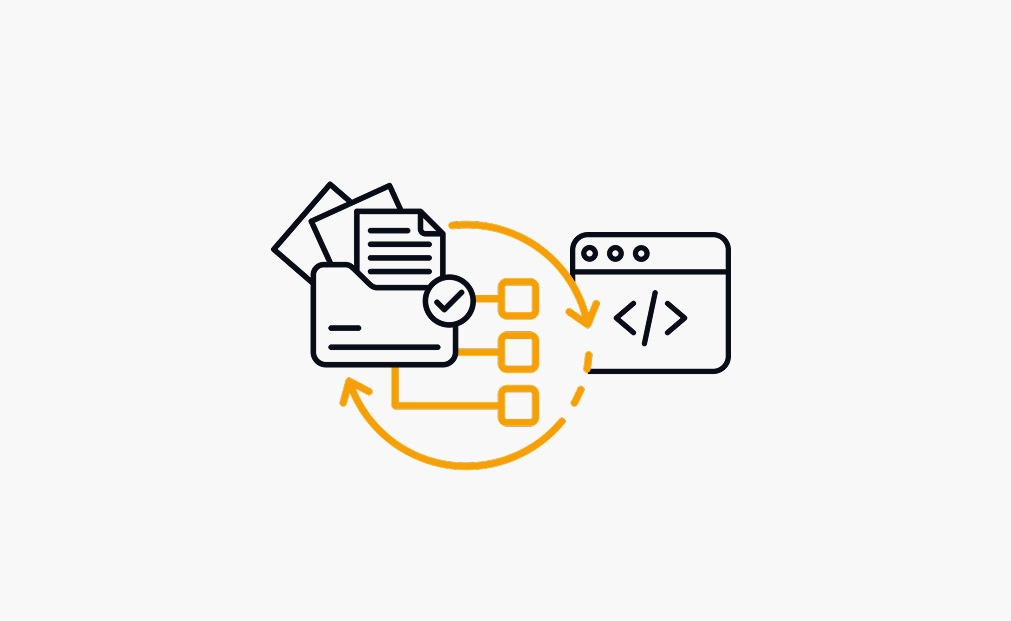
The architecture was straightforward: documentation files lived in the same repository as the code they described. Every pull request that changed behavior also changed the documentation that explained that behavior. When a PR merged, a hook triggered a build, and the updated documentation deployed automatically.
No manual uploads. No "I'll update the wiki later." No version drift.
What It Replaced
The before/after matters here because it illustrates why the architecture decisions were made the way they were.
Before: a documentation update might take weeks from when a feature shipped to when the docs reflected it — if it happened at all. Updates were distributed on demand, usually when a client asked a question that exposed a gap. Engineers were the de facto documentation system, which meant the support burden landed on the people least available to carry it.
After: documentation deployed continuously. The day a feature merged, the documentation that described it was live. New hires could onboard from the documentation without needing to schedule time with an engineer to answer basic questions. Clients could self-serve.
The Outcome That Mattered Most
I could talk about the 1,000+ pages of documentation produced, or the 11 products covered, or the automated pipeline running continuously. But the outcome that actually validated the approach happened in a contract renewal meeting.
Griaule's largest client — a Federal Government agency — raised the documentation quality unprompted during negotiations. In a public sector context, where procurement decisions are typically made on compliance and price, having a client volunteer that your documentation was exceptional is unusual. It contributed directly to contract renewal. It also reduced the documentation-related support burden, which had a downstream effect on how the team's time was spent.
The lesson I took from that: documentation quality is a commercial asset. It's just dressed up as a technical deliverable.
What I'd Do Differently
A few things I learned the hard way:
Start with the content architecture before touching the tooling. I spent time configuring Sphinx before I had fully mapped what the documentation needed to cover and how it needed to be organized. The tooling should serve the information architecture, not the other way around.
Get engineers writing early, even badly. The best documentation pipelines fail if the only person writing is the technical writer or PM. The goal of the pipeline isn't to centralize writing — it's to lower the barrier to contribution enough that engineers actually do it. Early drafts from engineers, edited by me, produced better output than my solo drafts because the technical accuracy was there from the start.
Automate the validation, not just the deployment. I added broken link checking and build validation late in the process. Adding them earlier would have caught issues before they reached clients.
Getting Started
If you're evaluating Docs-as-Code for your team, the stack I'd recommend:
• Generator: Sphinx (complex technical docs) or MkDocs (simpler, faster setup) • Format: reStructuredText for API-heavy documentation, Markdown for everything else • Hosting: GitHub Pages or ReadTheDocs • CI/CD: GitHub Actions or GitLab CI
Start with one product, one repository, and one automated build. The discipline of maintaining it will reveal what your documentation structure actually needs before you've committed to a full architecture.
The investment compounds. The first month feels like overhead. By month six, it's the reason your support tickets aren't growing as fast as your product does.